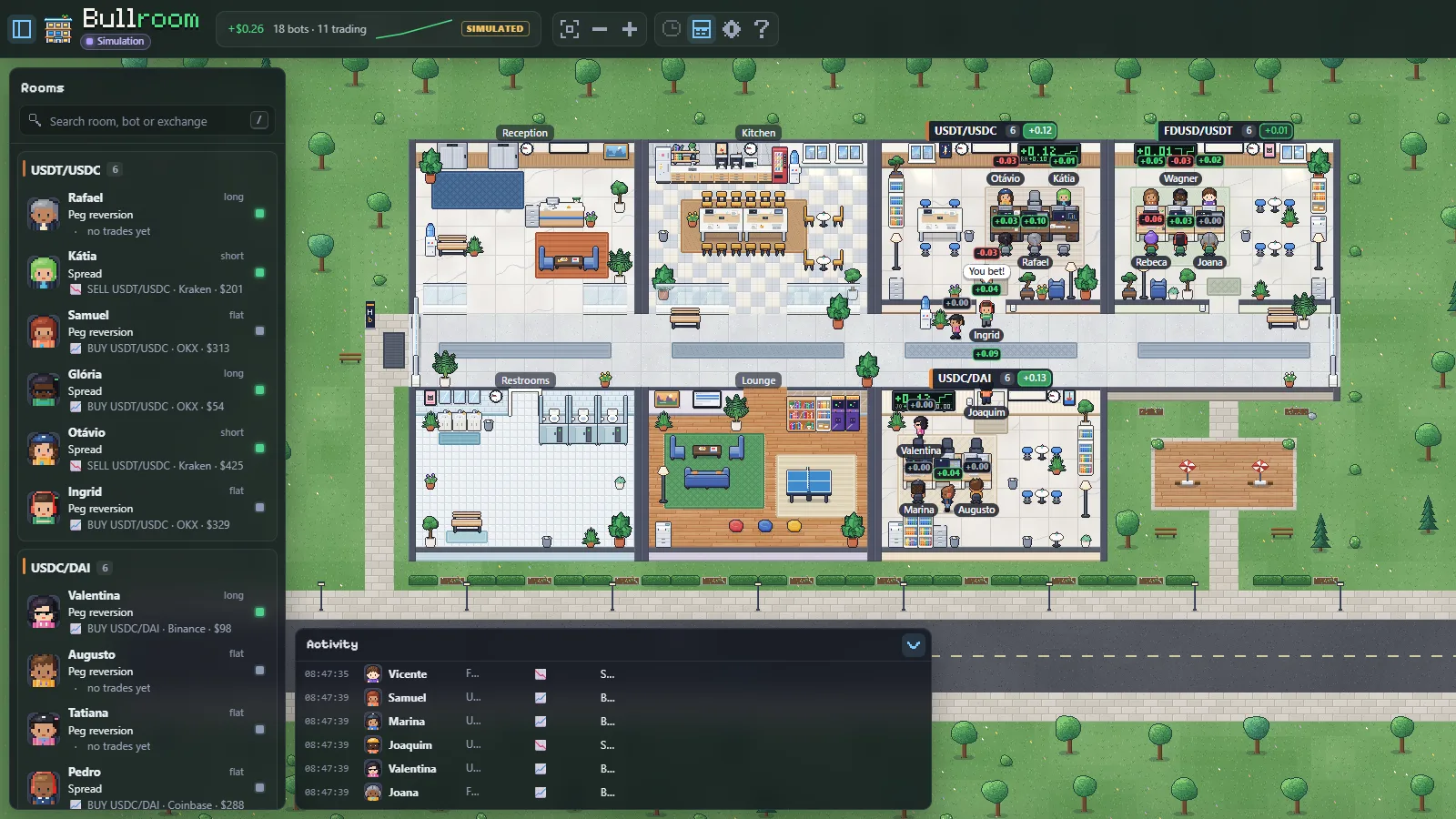
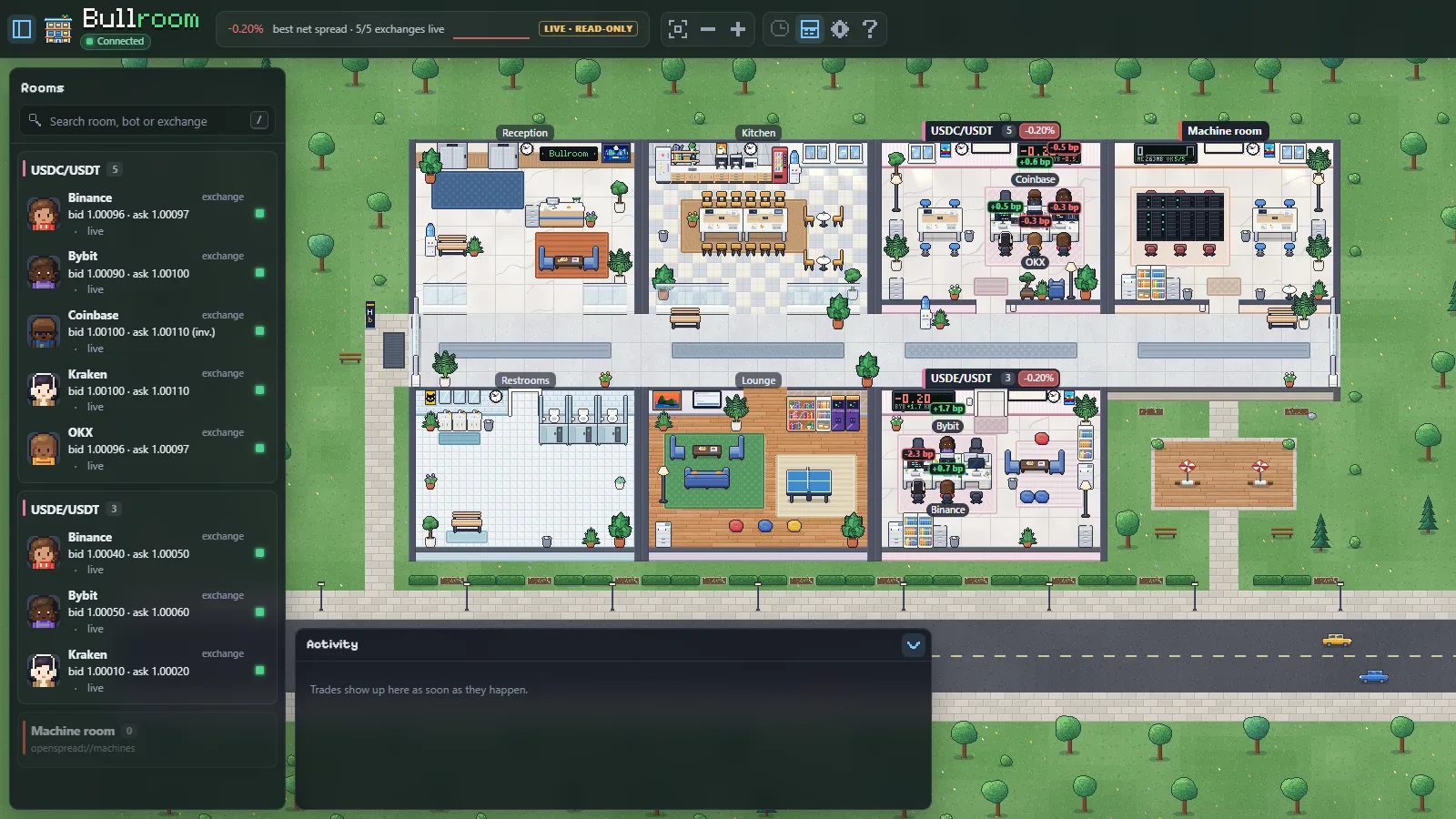
OpenSpread reads five exchanges from your own computer and shows the real spread after both fees, even when it is negative. Bullroom turns it into a pixel-art trading floor that rings when the math finally works.
Sample read on Oct 26, 2026 · alert level shown as an example · not a recommendation
Bullroom reading OpenSpread, live and read-only. No API keys, no orders, no server of ours.
−0.20%
Every exchange is a trader. Every pair is a room.
The bubble over each exchange shows its price against the room average, in basis points. The sign over each room shows the best spread between any two exchanges, after both taker fees.
Live and read-only. No API keys, no orders, no server of ours.
≥ 0.05%
The room rings once.
Pick a level per pair. The room rings once when the spread reaches it, and re-arms below it.
Level shown as an example.
LATENCY · LIMITS
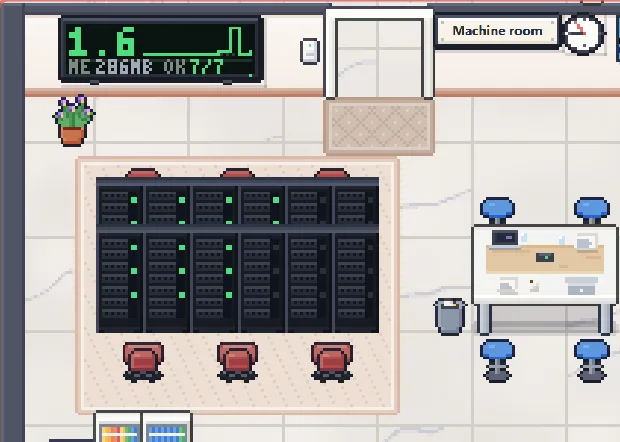
One rack per source.
The machine room shows each API’s latency and limit, measured on your computer. Nothing is sent to us.
1.09% → 1.01%
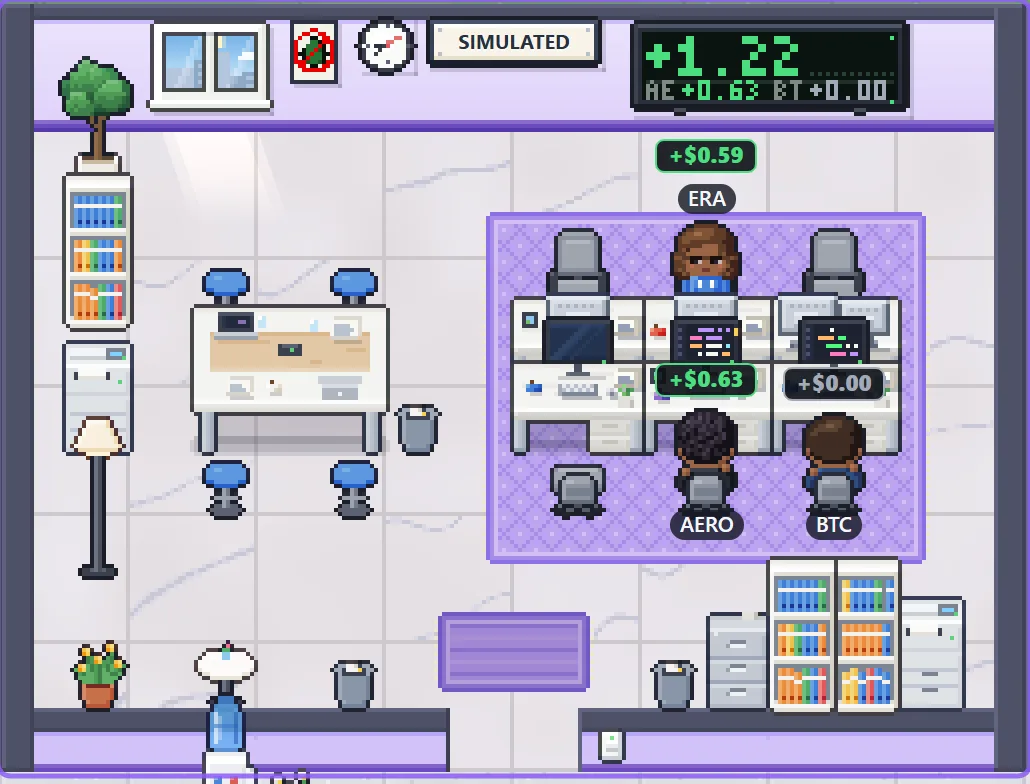
The purple room is simulated.
Robots on the real order book, with no keys and no real orders. The simulated result never adds to the real spread.
Quoted versus realized. Example from Nov 4, 2026.
−0.20%
Today the fees eat it all.
The gap between exchanges is real. After the buy fee and the sell fee, nothing is left. The room shows it that way anyway, and rings once the day the math works.
USDC/USDT, sample read on Oct 26, 2026. Not a recommendation.
40 seconds, one honest number.
Five exchanges in one room, read live. Why the classic stablecoin arbitrage does not close today, and how the room tells you the day it does.
Spoken in Portuguese, captioned in English. Tap a moment to jump to it.
SIMULATED
Simulate. The math stays honest.
Arbitrage robots on the real order book, with a risk gate and pretend balances. No keys, no real orders, nothing to install beyond the core.
All robots sit in a single purple room with the SIMULATED badge. The simulated result never adds to the real spread.
1.09% →1.01%Quoted versus realized: how much of the spread was left after walking the book.
0 of 178BTC/USDT readings above the minimum. A quiet robot there is a result, not a bug.
16 of 1,227USDT pair combinations with a positive net in a scan of 5 exchanges. A large spread can mean suspended withdrawals.
Examples from Nov 4, 2026. Paper trading does not guarantee real results. No arbitrage backtest, and a failure of just one leg is not simulated.
Also in Bullroom
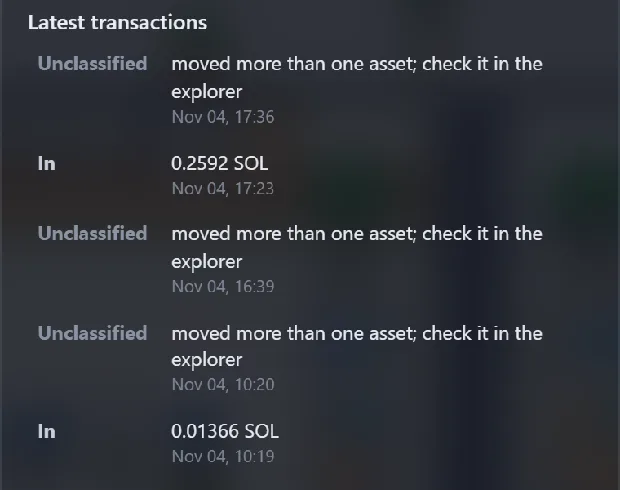
On-chain wallets
Solana, Ethereum, Base and Bitcoin, with a 7-day ranking. Public data only.
Agenda and radar
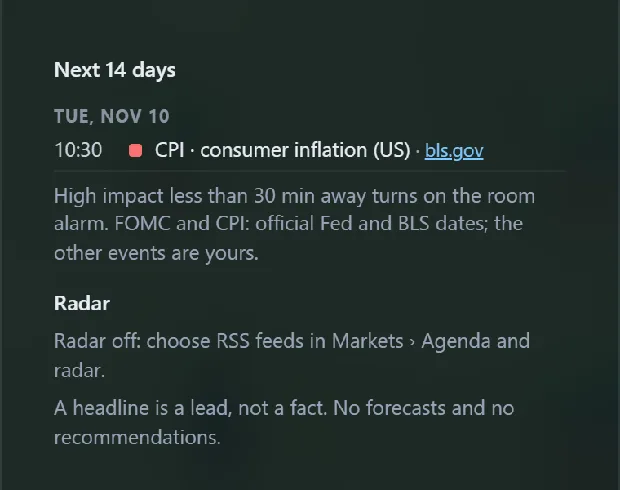
FOMC, CPI and headlines from your feeds; a room alarm before the event.
Machine room
One rack per source, with each API’s latency and limit.
Bubbles
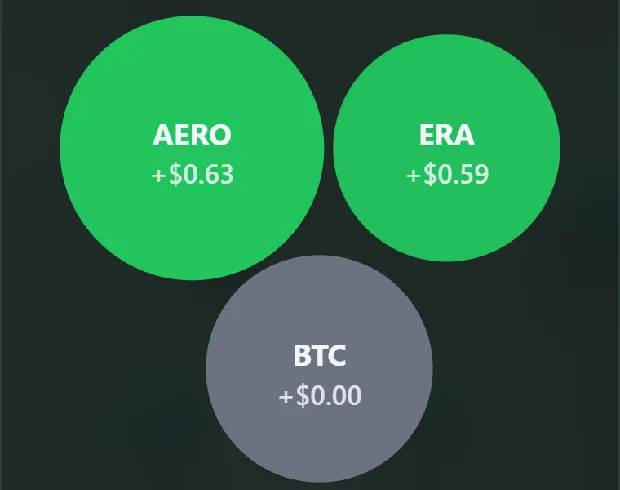
Robots and wallets: size is capital, color is result.
The engine and the window.
OpenSpread
The engine, on your computer.
Reads public prices from Binance, OKX, Bybit, Kraken and Coinbase.
Shows the net spread after both taker fees. Negative stays negative.
Your exchanges and pairs in one local file, ~/.openspread/config.json.
Spread alerts that ring once and re-arm, so they do not flicker.
NEWBuilt-in paper trading, with a risk gate before every simulated order.
NEWMCP for your Claude or Codex: read data, record analyses and test simulated robots. Real orders do not exist there.
Serves it on 127.0.0.1, with no server of ours: the only requests out are public ones to exchanges, chains and the feeds you pick.
git clone https://github.com/JVMarks/bullroom.gitcd bullroomnpm installnpm run dev:client# open http://localhost:5173/?source=core
Choose exchanges, pairs and alerts in Bullroom (click the LIVE badge, or Settings › Markets), or edit ~/.openspread/config.json. Simulated robots: Settings › Robots. Only Bullroom? Open ?mock=trading for simulated bots, no exchange needed.
What does not change.
Local-first
No server of ours, no cookies, no tracking. It runs on your computer.
Your keys stay home
When keys arrive, they stay on your machine, never with withdrawal permission.
The AI proposes
The engine executes, inside a risk policy you set. The AI never sends an order.
Honest numbers
Losses are shown. Simulated is always labeled. Negative stays negative.
Built in stages, in the open.
DONEBullroom: simulated bots, PnL over heads, room signs, bot card with 5m/1h/24h.
DONEOpenSpread core: live, read-only net spreads from five exchanges.
DONEConfigurable exchanges and pairs, with the Markets panel in Bullroom.
DONESpread alerts that ring once and re-arm.
DONEEconomic calendar and radar in the room; machine room (API limits, latency).
DONEBuilt-in paper trading: robots simulated on the real order book, with a risk gate and their own room. No keys, no real orders.
DONEMCP: your own Claude or Codex reads the data, records analyses and tests simulated robots, with a methodically scored track record. No tool can place a real order.
NEXTReal orders with a risk policy and approval per order, using Hummingbot.
LATERNostr: identity, signed analyses, threads and zaps.
Support the project
Free and open source, funded only by donations. A star on GitHub helps too.
 On-chain wallets
 Agenda and radar
 Machine room
 Bubbles